


Menu-in · Blog
Practical guides for your business catalog
Menu Ai, importing, product presentation and everyday catalog management.
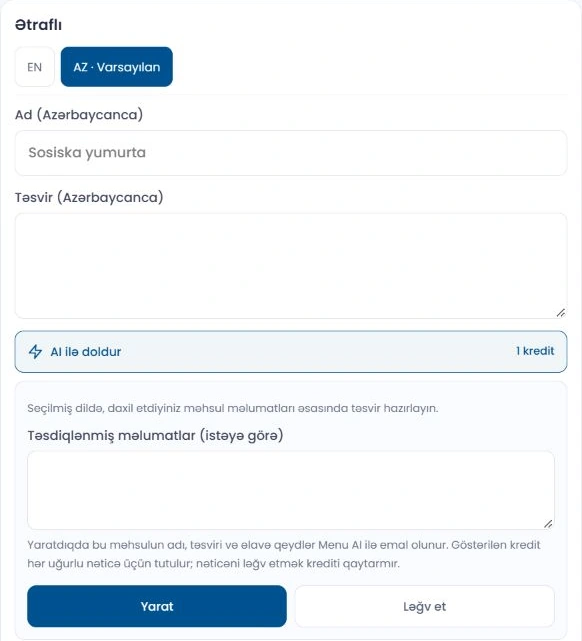
A consistent product style with Menu AI: preparing descriptions and images
In a good product presentation, the image and description should tell the same story. Menu AI helps you prepare text and image drafts. The final...
Read article
Preparing a catalog with Excel: prices, variants and images
Excel is a convenient way to prepare a catalog in bulk and compare existing information. In Menu-in, you can start with a simple template or expo...
Read article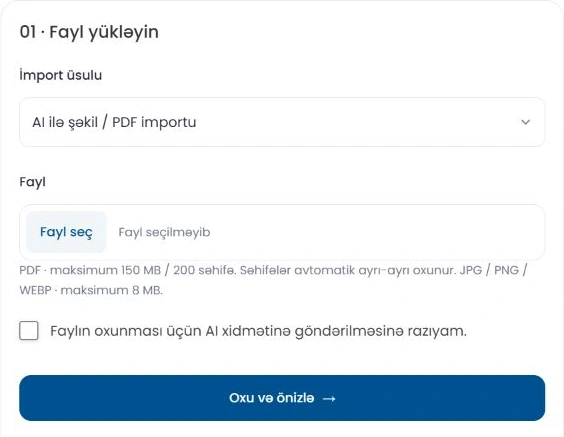
From images and PDFs to a catalog: importing with Menu AI step by step
If you already have a menu image or a PDF price list, you may not need to type every product again. Menu AI reads the file and prepares a catalog...
Read article
How to prepare a consistent multilingual menu
When preparing a menu for guests who speak different languages, the goal is to communicate the same information about the same product. Offering...
Read article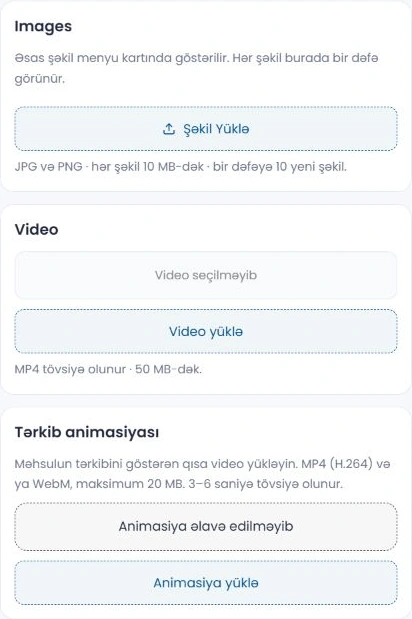
Menu images and descriptions: a clearer presentation on phones
A good menu image shows the product clearly, while a short description helps guests choose. These two elements should complement each other on a...
Read article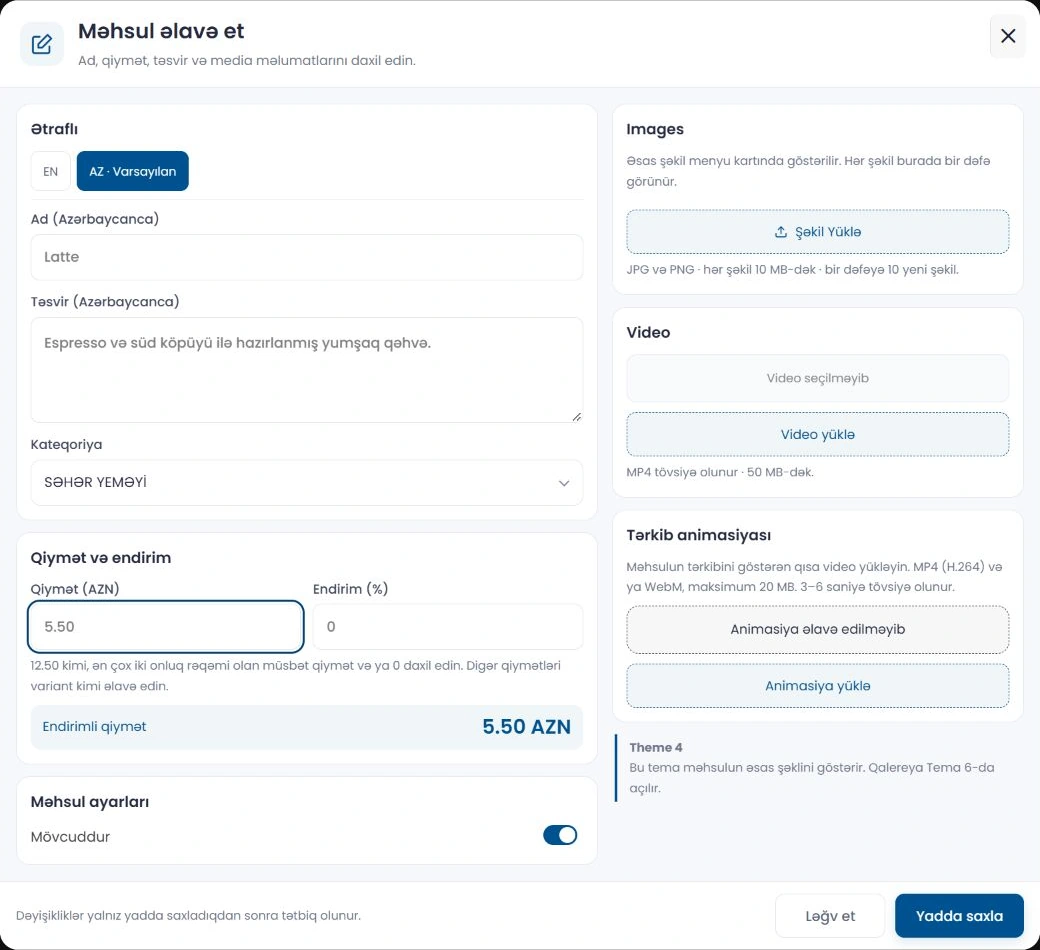
How to create a QR menu: a step-by-step guide for restaurants
Before switching to a QR menu, think about what your guests will see: clear categories, correct prices and easy-to-read product names. In Menu-in...
Read articleYour business, in one link.
Prepare your catalog, check its appearance and share it with customers.